
In short
- Pick the workout type first (easy run, intervals, long run…) and let it set the structure.
- Write the session in blocks: warm-up, main set and cool-down, each one by distance or by time.
- Set the intensity with a pace, a speed or a heart rate zone, then compare what you asked for with what they did.
Start with the workout type
Every cardio session has a goal, and the workout’s name says it all: an easy run builds base, intervals build speed, a long run builds endurance. If Diego is training for a 10K, his week might be an easy run, an interval session and a long run on Sunday.
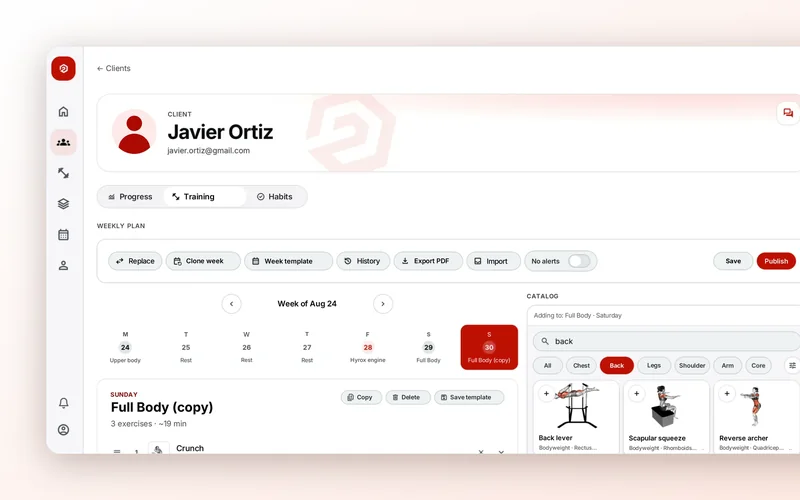
In 2T4T you tap “Add cardio” on a day in the editor and choose the “Sport” (Running, Cycling or Swimming) and the “Workout type.” Running comes with Easy run, Long run, Intervals, Hills, Tempo, Fartlek, Progressive and Recovery; cycling with Endurance, Intervals, Sweet spot, Tempo, Climbs and Recovery; swimming with Long swim, Technique, Intervals, Threshold, Pyramid and Recovery. Each type comes with starter blocks that you then adjust.
Write the session in blocks
An interval session isn’t a number: it’s a warm-up, a set of reps with their recovery, and a cool-down. Write it that way and your client always knows what’s next.
- Each block by distance or by time, never both: “6 × 400 m” or “6 × 3 min.”
- The reps and the recovery between them: “90 s rest.”
- A clear role: warming up, technique, the main set or easing off at the end.
In 2T4T each block has its role (“Warm-up,” “Technique,” “Main” or “Cool-down”), its reps (1 to 50), the duration or distance of each one, and the recovery between reps. For Marta, a swimmer, an interval session could be a 300 m warm-up, 10 × 100 m with 20 s rest at the wall and a 200 m cool-down.
Pace, speed or heart rate zone
Intensity is what turns an easy run into a real easy run. You have two ways to set it, and you can use both at once:
- A specific target: pace per kilometer for running, pace per 100 m for swimming, or speed in km/h on the bike.
- A zone from 1 to 5: 1, active recovery; 2, aerobic base; 3, aerobic threshold; 4, anaerobic threshold; 5, VO₂ max.
Zones work better than paces for beginners, in the heat or on hills: heart rate adapts to the day, pace doesn’t.
Zones in each client’s own heart rate
Zone 2 isn’t the same heart rate for Laura at 28 as for her dad at 60. The better you know their max and resting heart rate, the more reliable the zones are.
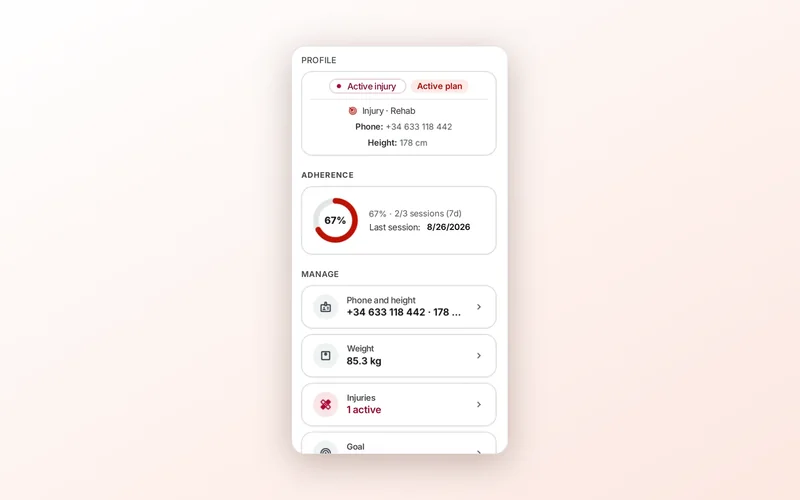
In 2T4T, when you program cardio for a client, the zones show in their beats per minute if there’s enough to calculate them. Max heart rate is estimated from the age in their training profile, on their client page. If their phone also records resting heart rate and they’ve given health data consent, it uses the median of the last 14 days and calculates zones from heart rate reserve; otherwise, as a percentage of max. In templates, with no client, zones come without heart rates.
What your client does in the app
In 2T4T, when they hit start, your client’s app asks “Where are you doing this?” “Indoors” means treadmill, bike or trainer: it counts time, with no map or location, and on a single continuous block they can log the distance the machine shows. “Outdoors” draws their route and measures distance and pace with GPS. It goes segment by segment: every rep and every recovery with its target.
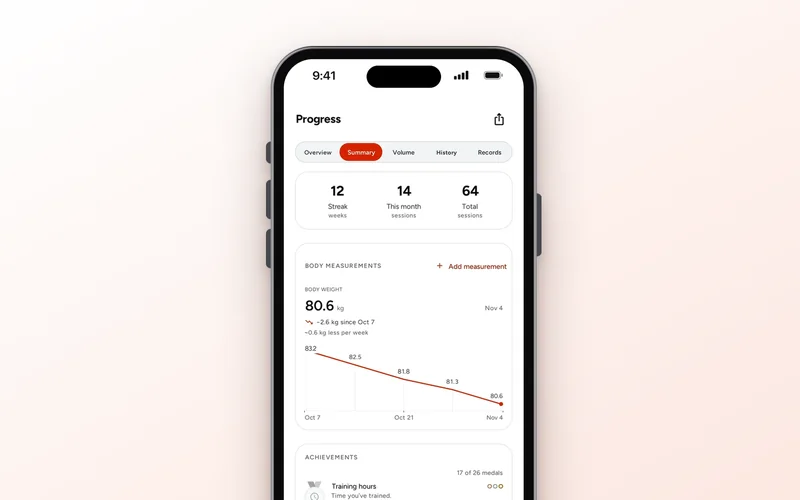
Their outdoor sessions are saved under “Your outings” in their progress, with the map, “Km splits,” each segment and what you set, so they can see whether their reps landed within the target.
Review what they did, not what you planned
Before programming next week, compare. If Diego’s intervals were set at 4:30/km and he ran them at 4:50, either ease the target or give him more recovery. If his zone 2 run came out at tempo pace, it’s time to talk about slowing down.
In 2T4T you see it in their progress: every logged cardio block with distance, time and pace, and if they did intervals, each rep and each recovery separately.