
In short
- Keep the 40 or 50 exercises you use most close at hand: favorite them and filter the rest by muscle and equipment.
- Record the exercises that are yours, with a short video and a name your client understands.
- If you already have them in a spreadsheet, upload them in one go and review each one before saving it.
Your real library is smaller than you think
Even with thousands of exercises available, most of your plans come from about 40 or 50. Figure out which ones they are and keep them one click away: that’s what saves you the most time when building a week.
Look up the rest when you need them, based on what the client needs: the muscle you want to work, the equipment they have at home and their level. If Diego trains at home with dumbbells, filtering by that equipment clears out everything he can’t do.
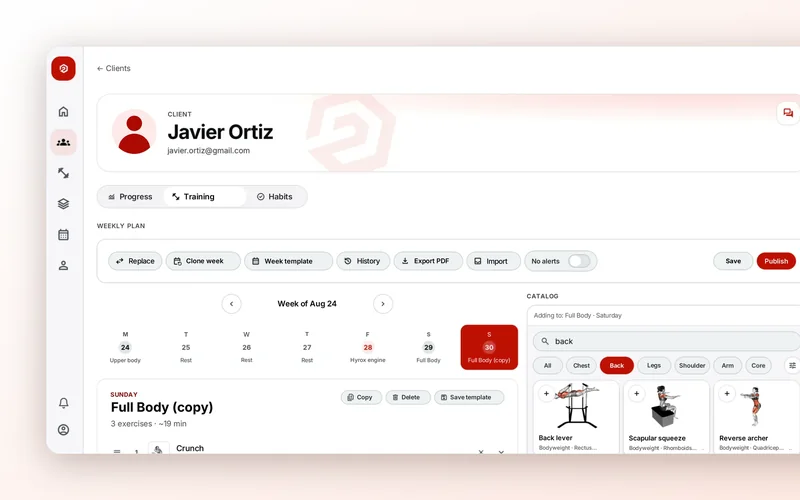
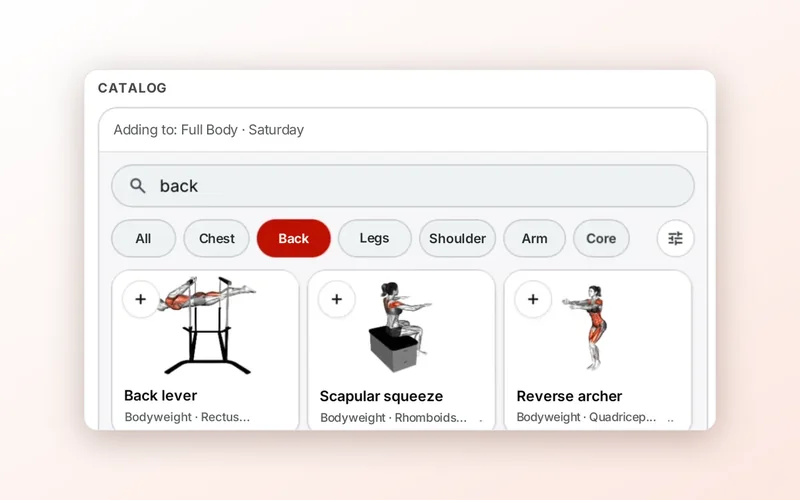
In 2T4T the catalog has more than 1,600 exercises with video. In “Exercises” you search by name and filter by “Muscle,” “Equipment” and “Difficulty” (Easy, Medium or Hard), with “More filters” for the rest. The star on each card makes it a favorite, and “Favorites” shows only those. If you select several, “Create session template” builds a session with them.
Search the way you talk
Sometimes you don’t know the exercise’s name, you know what you want: “some core work for Laura, who has no equipment and is just starting out.” That’s when you search by description, not by name.
In 2T4T, in the catalog column of the plan editor and of templates, you have “Ask AI for exercises.” You type something like “e.g. core with no equipment for beginners” and the catalog shows the ones that fit. Only what you type there is sent, nothing about your client.
Your exercises, with your name and your video
Every trainer has exercises of their own: a banded variation, a mobility circuit, the way you teach the deadlift. If they aren’t in your library, you end up explaining them by message every time.
- A name your client understands: “Banded burpee,” not “BRP-B2.”
- A short video, filmed from the side with no music, showing the full movement a couple of times.
- The main muscle and the equipment, so it shows up in your filters.
- Its risk level, so you know who to use it with.
In 2T4T you tap “Own exercise” in “Exercises.” You give it a “Name,” an https link to the video (YouTube, Vimeo or a link to an .mp4) or upload an MP4 of up to 80 MB, and choose the “Main muscle,” “Equipment” and “Risk (1–5).” Then you find it with the “Your exercises” filter. If you ever delete it, it stops showing in your library, but plans that already use it don’t change.
If you already have them in a spreadsheet
Lots of trainers have kept their exercises in Excel for years. Don’t copy them one by one: upload them all at once, but review each one before calling it done.
In 2T4T you choose “Bulk upload” in the same window, tap “Download Excel template” and fill it in (the example row isn’t imported, and the Equipment, Pattern and Risk dropdowns keep out anything that won’t match later). When you upload it, nothing is saved yet: in “Review import” you adjust each exercise, upload its video and save it. If you stop halfway, your progress is kept and you pick it up again with “Continue review.”
What your client sees
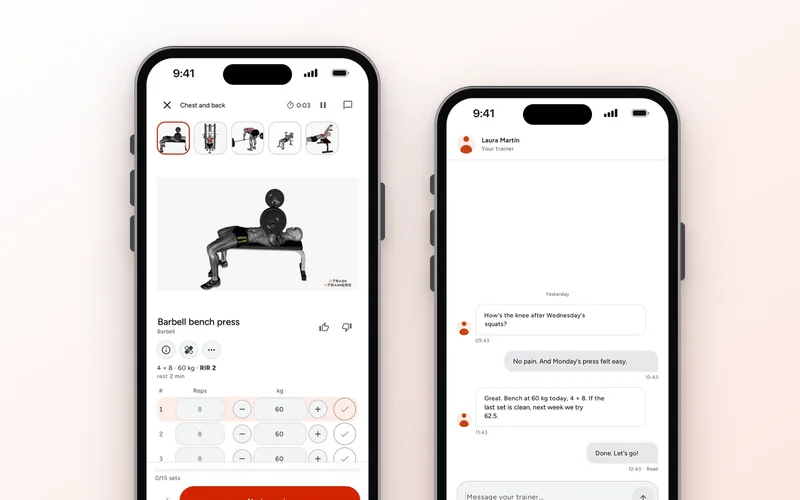
The video answers more questions than anything else. A client training alone watches it before the first set, and if it’s clear they don’t message you to ask how it goes.
In 2T4T your client sees the exercise video in their app on a loop with no sound, with a button to pause it, and below it “How to do it,” with numbered steps for catalog exercises. For your own exercises, put whatever you want them to keep in mind in the exercise’s note in their plan: “three seconds on the way down,” “elbows tucked.”