
In short
- Take stock first: active clients, their current plan and the history you actually use.
- Onboard clients with a spreadsheet or with a code so they sign themselves up.
- Move two or three clients first and test for a week before moving everyone.
When spreadsheets fall short
A spreadsheet works with a few clients. It stops working when this sounds familiar:
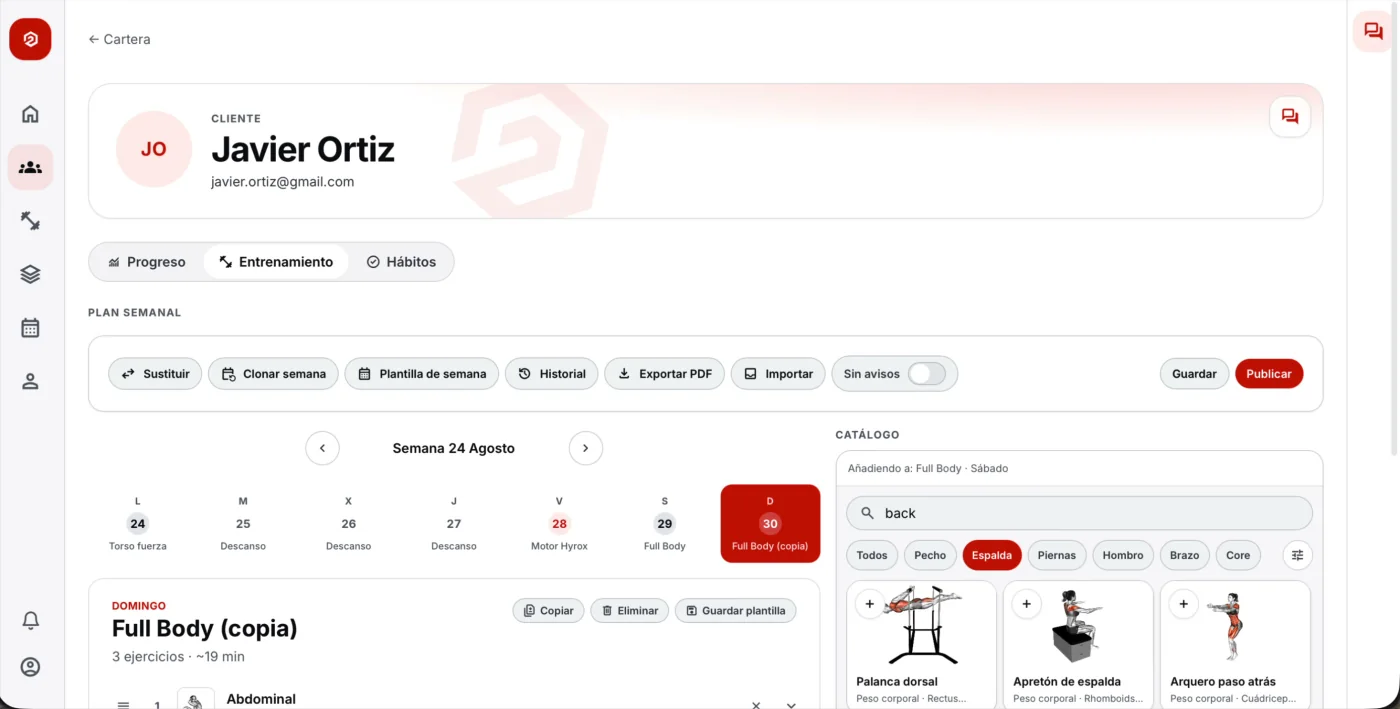
- You copy and paste the week for every client.
- You send the plan as a PDF over WhatsApp and don’t know which version is the latest.
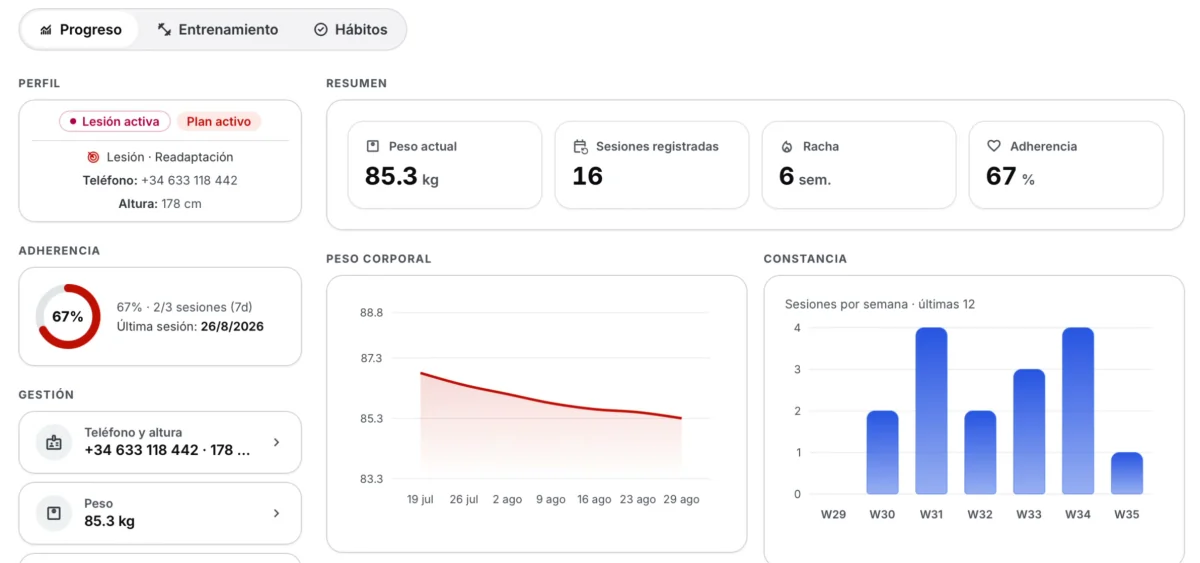
- You don’t know what each client trained until they tell you.
- Your schedule, chat and plans live in three different places.
Before you move, take stock
Write down your active clients, the plan each one has right now and which part of their history you actually use to make decisions. It’s almost always much less than it seems: the current plan and the last few weeks.
Whatever you don’t use, leave it in the spreadsheet. You don’t need to move everything.
Clients: a list or a code
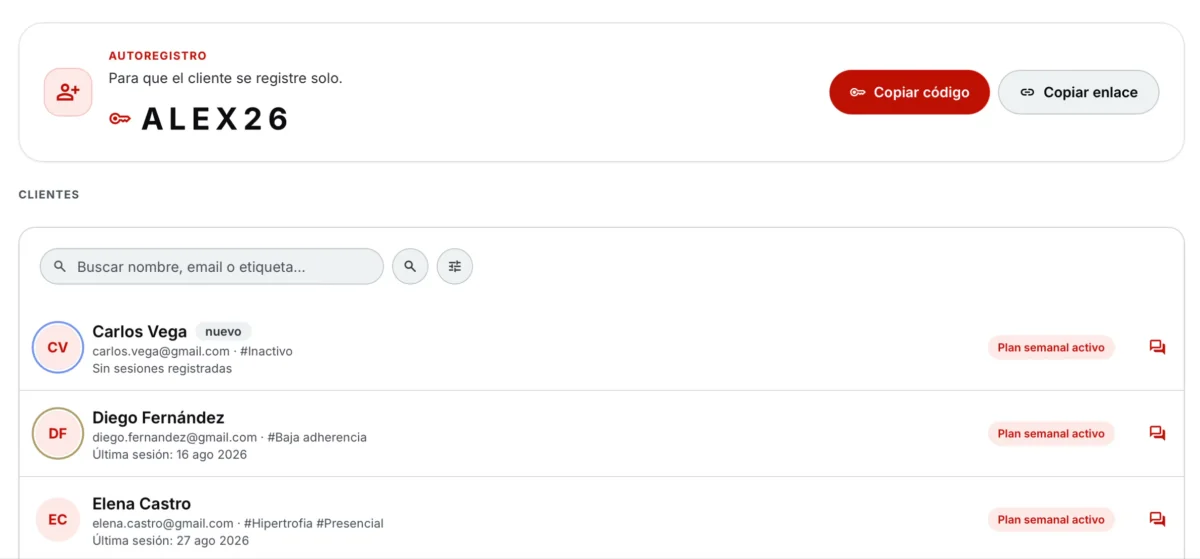
If you have a lot of clients, put the list in a spreadsheet template and onboard them all at once. If you’d rather they sign up themselves, send them your invite code and they register from the app.
Plans: import them and review them
If your plans are in PDFs, photos or a spreadsheet, don’t type them out again. An import tool converts them and you just check that every exercise, set and rep is right before it reaches the client.
Start with a few clients
Pick two or three clients you trust, move them over and test a full week: the plan, the logging, the chat. Once it runs smoothly, move the rest. That way you find the problems, not twenty clients at once.